What Is PDF/A and When Should You Convert a PDF?
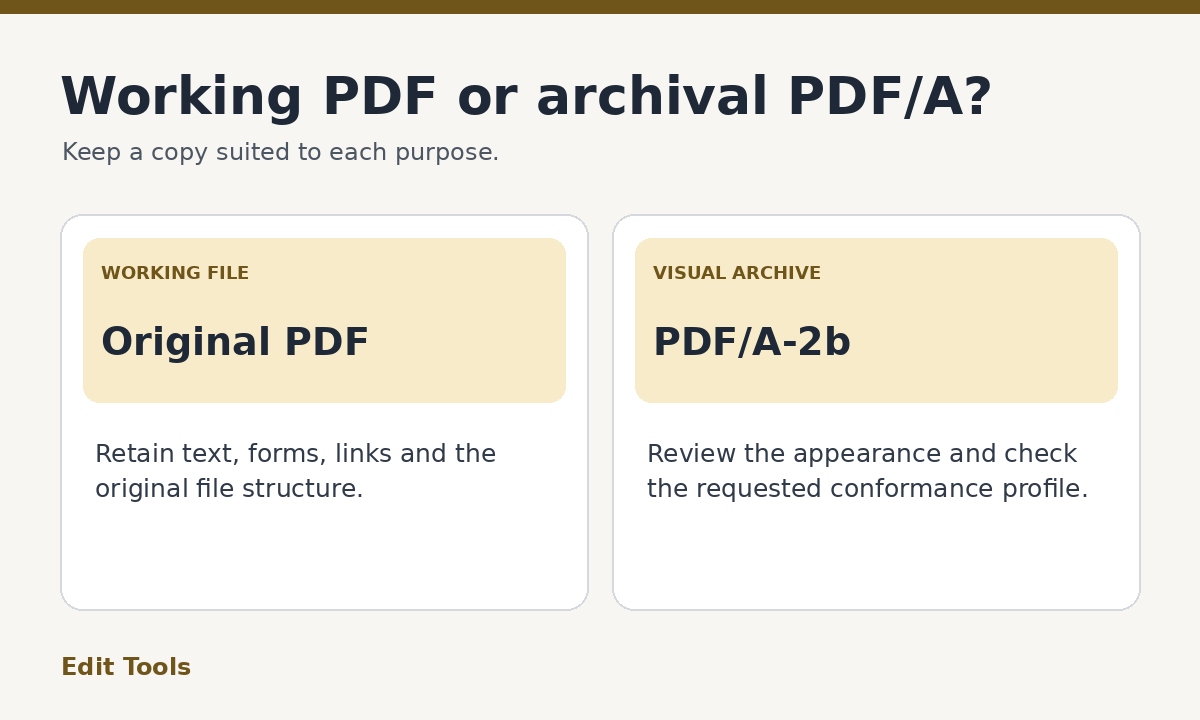
PDF/A is a family of PDF standards for long-term preservation. It restricts features that could make a document difficult to reproduce later. Use it when a records workflow requests a specified PDF/A profile, or when you want a self-contained archival copy. If a recipient requests PDF/A-2b, PDF to PDF/A can create a visual archive, which you should validate before submission. Keep the original PDF for anything the archival copy leaves out.
What changes when a PDF becomes PDF/A?
A PDF can carry text, fonts, images, form fields, annotations, embedded files and other features. For many day-to-day tasks, that flexibility is helpful. A reviewer can fill in fields, a colleague can click a link, and a document owner can apply encryption when it is appropriate. A preservation workflow has a different goal. Someone should be able to render a conforming document later using the resources stored in it and the rules of its chosen profile.
PDF/A limits behavior that makes future rendering depend on external resources or active content. For example, when a conforming file uses text, the fonts it needs generally must be embedded. A PDF/A file cannot be encrypted under the standard. If you need to restrict access to an archival copy, use the permissions of the storage system where it is held.
The file still uses the .pdf extension. Renaming notes.pdf to notes-archive.pdf can make it easier to find, but does not change which format requirements it meets. Claims about conformance should come from a validator that checks the file itself.
What does PDF/A-2b mean?
PDF/A has several parts and profiles. The “2” in PDF/A-2b identifies the part of the standard. The “b” identifies the conformance level concerned with preserving the rendered visual appearance. The Library of Congress describes this level as focused on reproduction of the page appearance over time. A conforming PDF/A-2b file can contain searchable text, but the level does not require the logical structure associated with some other profiles.
If a portal specifies PDF/A-1b, PDF/A-2u, PDF/A-3 or another exact profile, use an exporter that supports that exact requirement. A PDF/A-2b conversion should not be presented as a substitute simply because both files have the same extension. Check the profile shown in the request, the submission instructions and any additional conditions such as searchability.
A common source of confusion is the “Save as PDF/A” option in a desktop program. The selected profile depends on the program and its settings. Read the export dialog carefully, record the chosen profile in your workflow and confirm it after export.
When an image-based archive is a good fit
For a signed paper form that has already been scanned, the visual page can be the main record you need to retain. An image-based PDF/A copy may be appropriate if your archive accepts PDF/A-2b and does not require a searchable text layer. That can also work for a packet of illustrations where the goal is to reproduce what the pages look like.
An image-based archive is a poor fit for a research report that readers must search, or a form that staff still need to complete. It can also be unsuitable for a document with digital signatures, bookmarks or accessible structure that the archive needs to retain. In these cases, choose an export or conversion workflow that preserves the required features and complies with the specified profile. If you have access to the editable original, an archival export from that source is often easier to verify.
How to use PDF to PDF/A in Edit Tools
First save your original under a clear name. Open PDF to PDF/A, choose the original and start the conversion. The Edit Tools converter renders pages as images to produce a visual PDF/A-2b derivative. Download the output and use a filename that distinguishes it from your working copy, such as inspection-record-pdfa-2b.pdf.
Open the converted file and compare it with the original. Check the page count, orientation, margins and legibility. Inspect fine lines, small labels and pages with photographs. If the source has filled form fields or a visible stamp, check that their appearance is present in the output. The forms and annotations themselves no longer function as interactive objects in the flattened copy. The text on the page is part of the image.
If you need working links or selectable text, check that requirement before finalizing the copy. Switching to a different archival workflow is preferable to discovering after submission that the recipient needs functions your derivative cannot provide.
How to validate the result
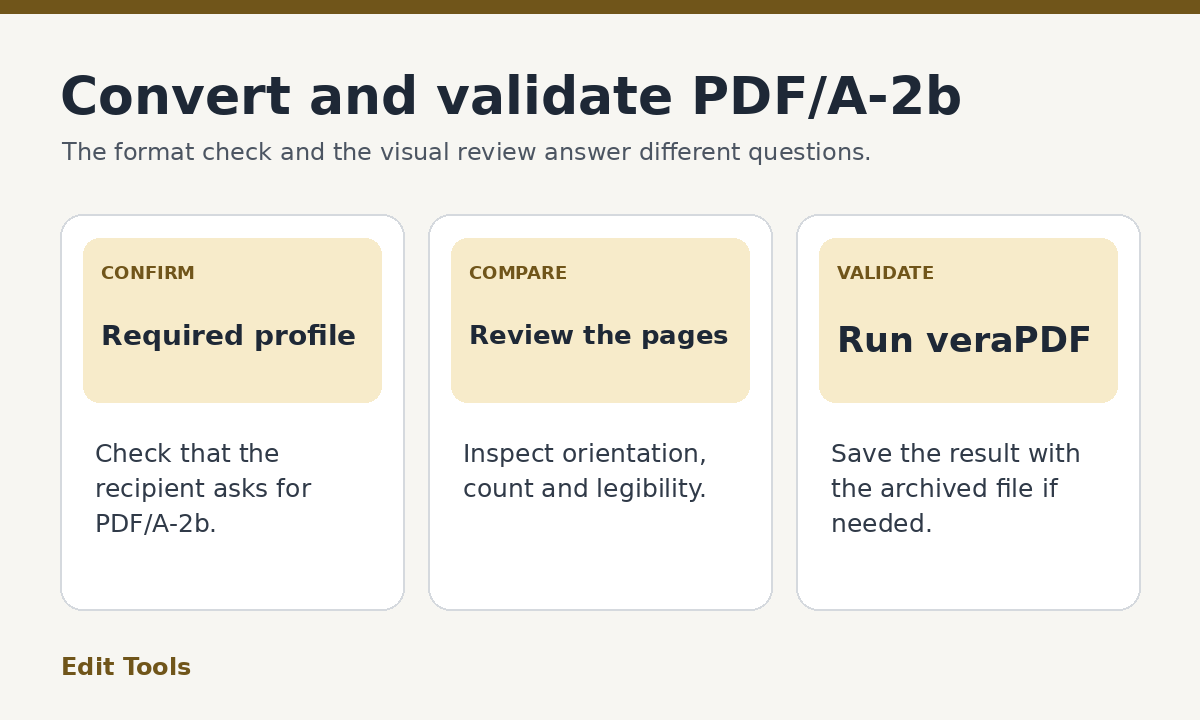
Use a PDF/A conformance checker such as veraPDF and select the required profile if the tool asks you to choose one. Read the validation result. If it reports a failure, keep the report so you can see which requirement the file did not meet. Reconvert from the original with the correct profile or use a tool that can preserve the features the archive asks for.
A successful validation answers whether the file conforms to the checked format profile. It does not tell you whether the right pages were included, whether scans are readable, or whether an archive has separate metadata rules. Perform both a visual review and a format check before treating the file as ready for submission.
For repeated submissions, save a simple record of the source filename, derivative filename and profile used. That makes it easier to track which copy was sent and to reproduce the workflow later. In a shared archive, follow its naming and retention instructions instead of imposing a separate convention.
Should I keep both PDFs?
Keep the original and the archival derivative if you have permission to retain both. A working PDF can still contain text, form fields or signatures that are useful in its original state. The visual PDF/A copy serves a preservation purpose. If you are choosing just one output for a submission, compare the requested profile and features with what your final, validated file actually contains.
For an ordinary email attachment, PDF/A is usually only necessary if the recipient asks for it. When a repository has a stated archival policy, its requirements should determine your export method and validation profile.
Further reading: Library of Congress format description for PDF/A-2b and U.S. Government Publishing Office submission guidelines.